
Super fast and efficient!! Thanks
WordPress Plugins
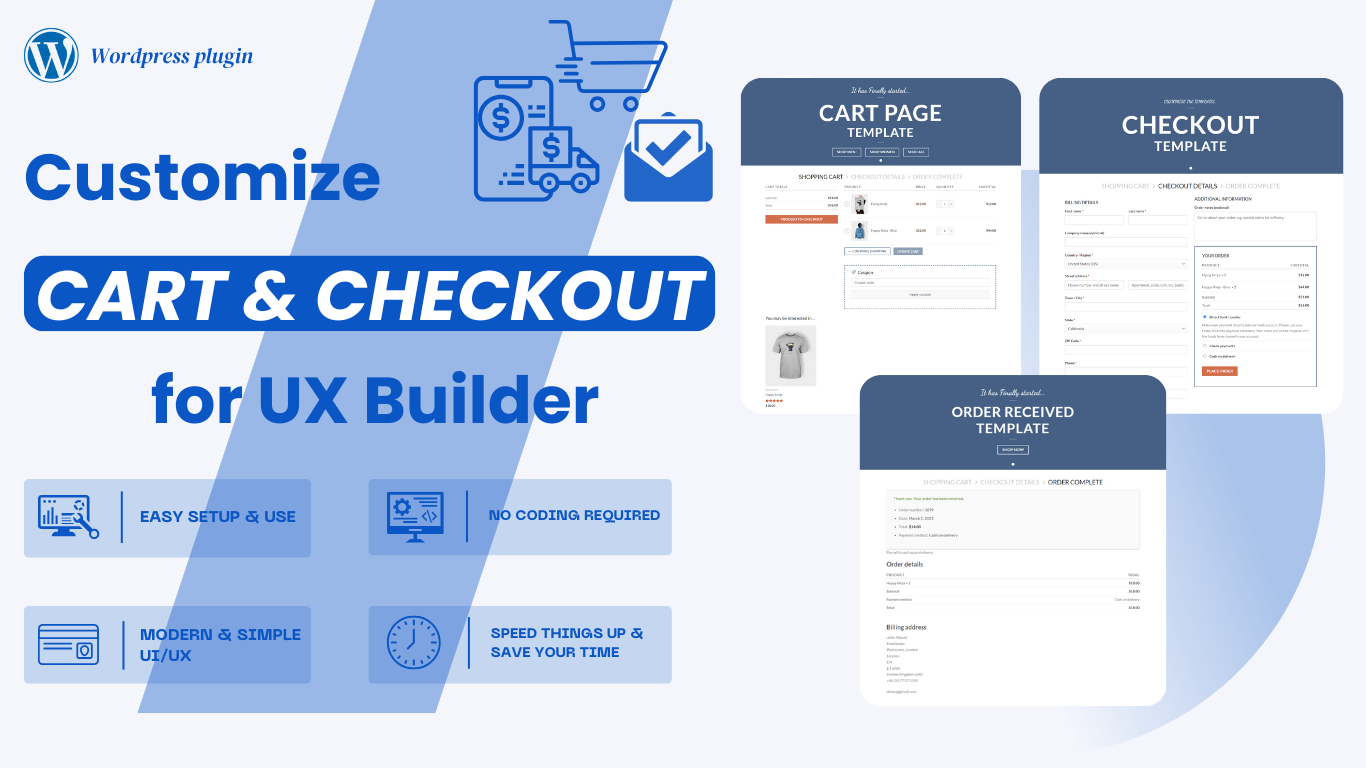
Customize WooCommerce Cart & Checkout pages with UX Builder
The Cart, Checkout & Order Received pages are essential parts of the shopping experience. WooCommerce’s Cart and Checkout blocks offer a seamless process for customers to review and complete their purchases, minimizing friction and maximizing conversions.
This plugin enables easy customization of the templates and blocks for these pages, allowing you to align their appearance and functionality with your store’s design and requirements. With require must have UX Builder (Flatsome).
WordPress Plugins
Customize WooCommerce Cart & Checkout pages with UX Builder
The Cart, Checkout & Order Received pages are essential parts of the shopping experience. WooCommerce’s Cart and Checkout blocks offer a seamless process for customers to review and complete their purchases, minimizing friction and maximizing conversions.
This plugin enables easy customization of the templates and blocks for these pages, allowing you to align their appearance and functionality with your store’s design and requirements. With require must have UX Builder (Flatsome).
Are you looking for a better plugin to customize the Cart and Checkout pages on your site?
Are you looking for a better plugin to customize the Cart and Checkout pages on your site?
FEATURES
This plugin significantly simplifies the use of WooCommerce Cart and Checkout templates within the UX Builder.
BETTER SEO
Custom layouts can help you structure your content better for SEO, allowing you to add targeted keywords, rich snippets, or other SEO-friendly elements to the cart and checkout pages.
ADVANCED FUNCTIONALITY AND FEATURES
You can implement personalized content or recommendations based on user behavior or purchase history, improving the overall shopping experience and driving sales.
ENHANCED USER EXPERIENCE (UX)
Customizing the layout allows you to tailor the pages to match your brand’s design, making the shopping experience more cohesive and visually appealing.
IMPROVED CONVERSION RATES
Custom layouts can simplify the checkout process by reducing distractions and focusing on essential fields. This can lead to higher conversion rates as customers find it easier to complete their purchases.
NO CODING REQUIRED
No burden. No more stress in case your codes go wrong.
SPEED THINGS UP & SAVE YOUR TIME
You can’t buy happiness, but you can buy time! This is how you do it since we already took the harder part.
STILL MORE TO EXPLORE
We will still update many new features to ensure the best quality for customers in the future…
Creating custom templates for the WooCommerce's Cart, Checkout, and Order Received pages is now easier than ever!
Creating custom templates for the WooCommerce's Cart, Checkout, and Order Received pages is now easier than ever!
Creating custom templates for WooCommerce's Cart, Checkout, and Order Received pages is now easier than ever! With advanced yet user-friendly customization options, you can personalize the layout and design of these crucial pages to reflect your brand’s identity. Whether you want to modify the structure of the Cart page, enhance the Checkout process with additional fields or custom styling, or create a personalized Order Received page that engages customers post-purchase, you now have complete control.
This primary customization feature enables you to craft a unique shopping experience that aligns with your brand, enhances user engagement, and improves conversion rates. The intuitive interface allows you to make changes quickly, with no need for advanced coding skills. Simplify the process and create a seamless, branded journey for your customers from the Cart to Checkout to Order Confirmation—all within a single, easy-to-use platform.
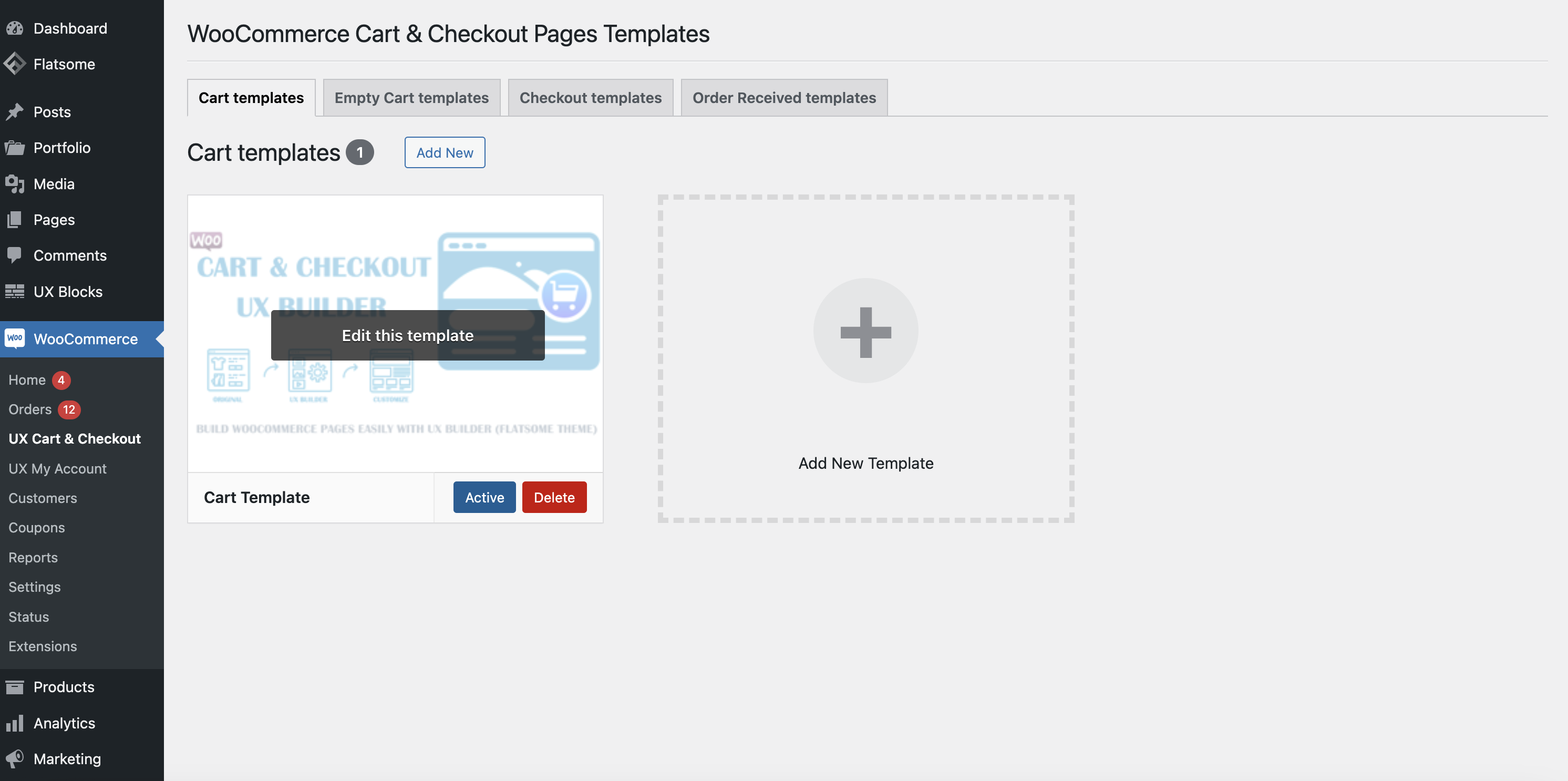
Manage WooCommerce Templates (Cart, Checkout, Order Received)
Manage WooCommerce Templates (Cart, Checkout, Order Received)
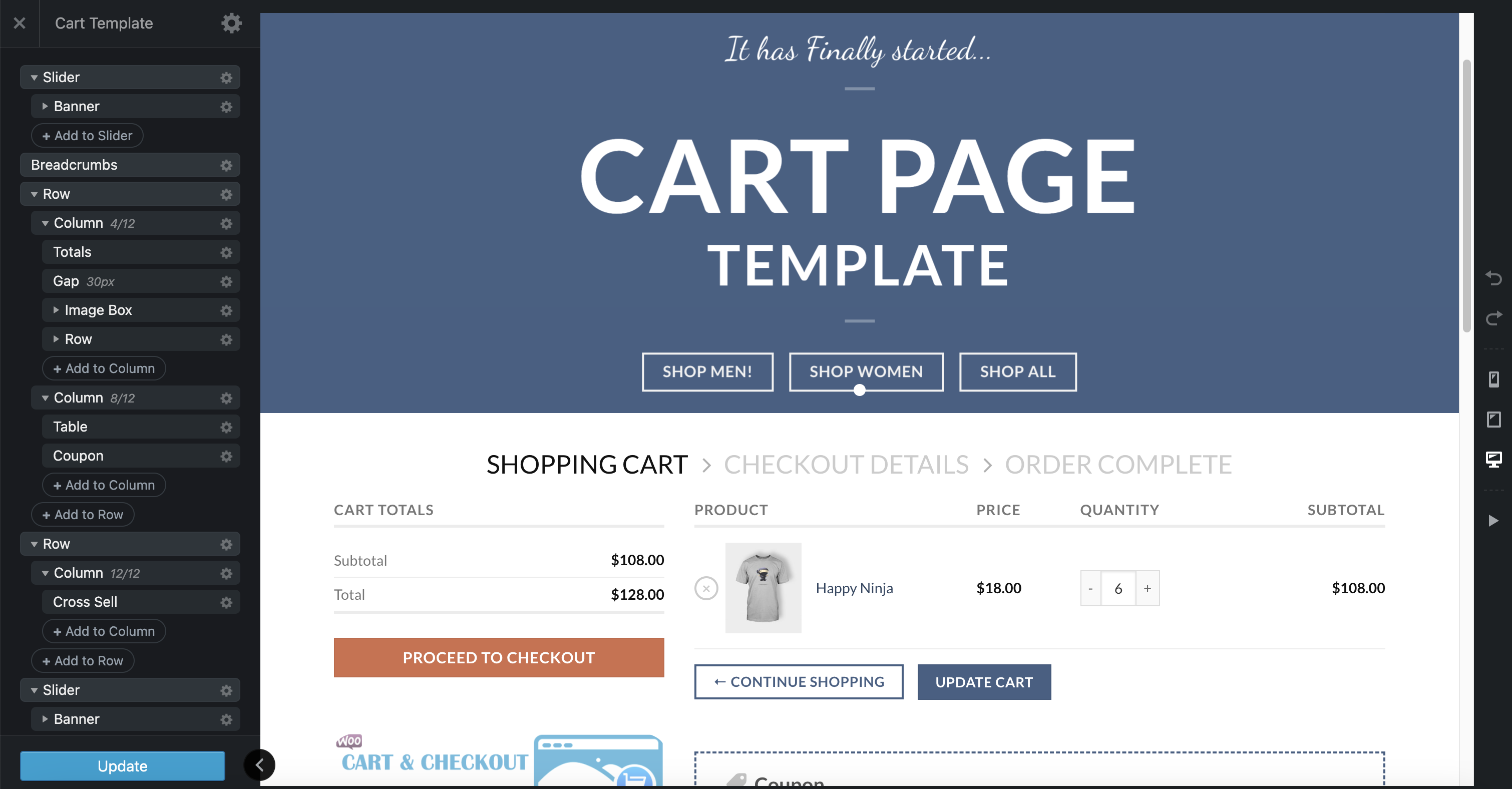
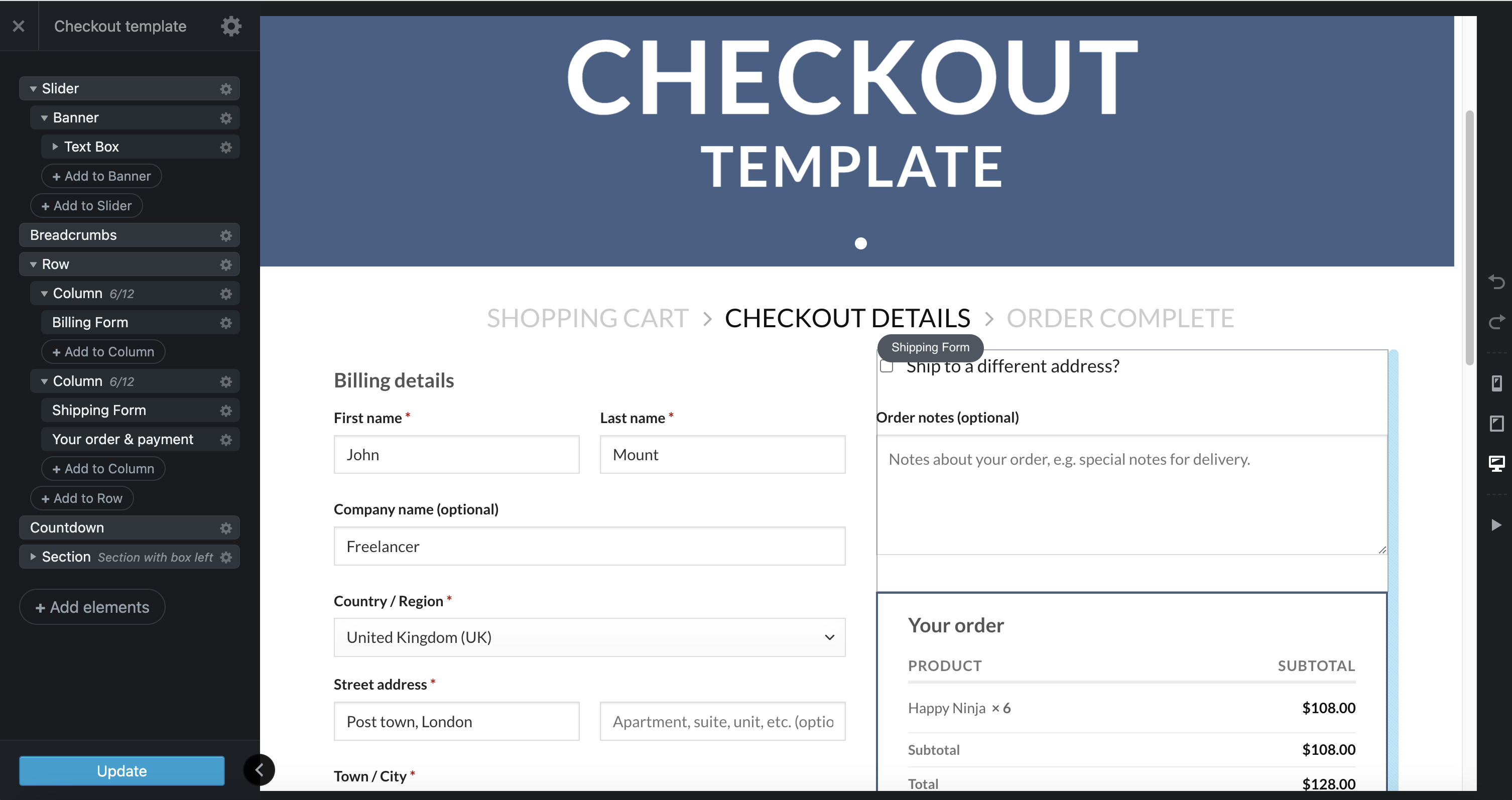
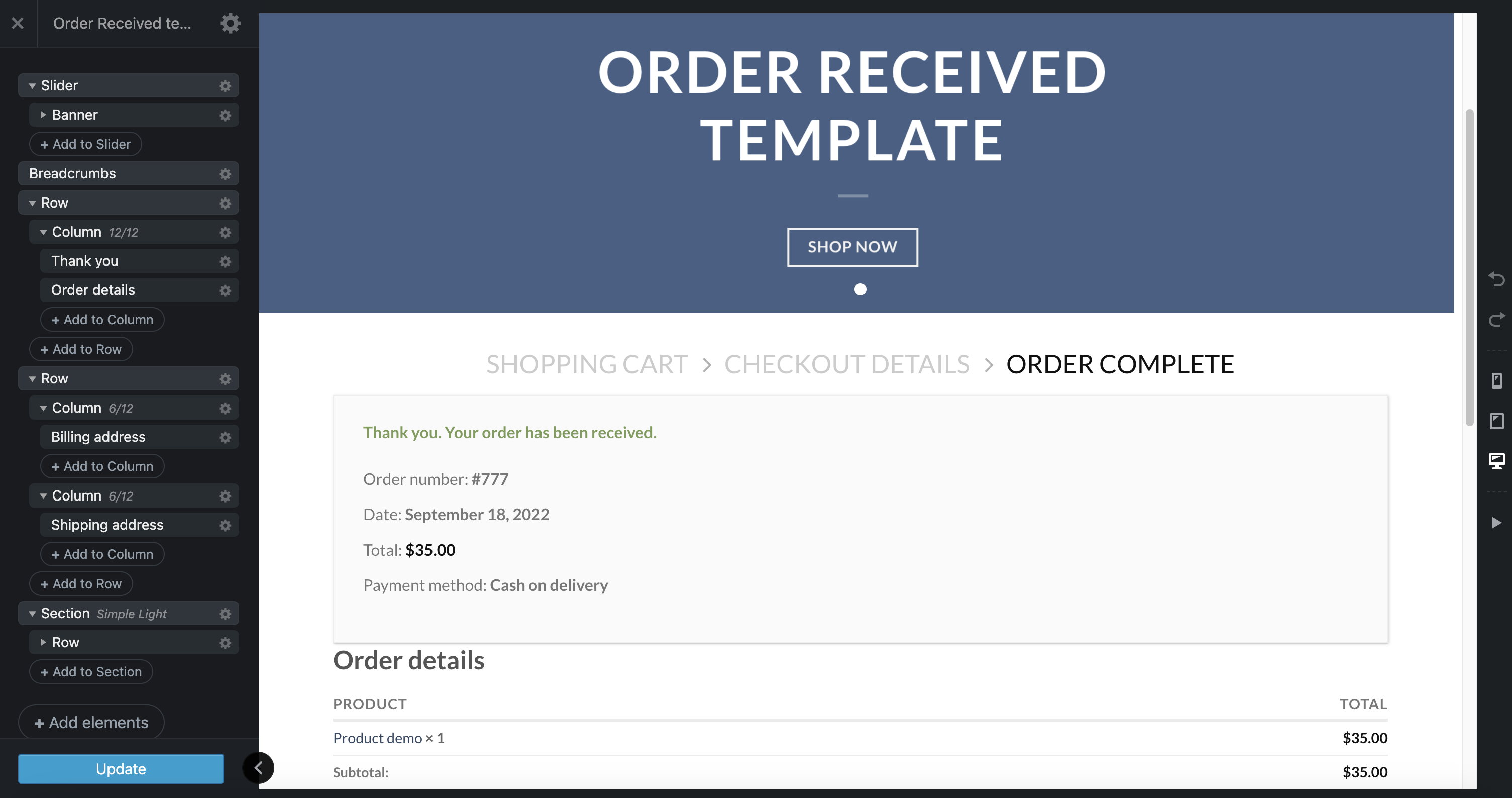
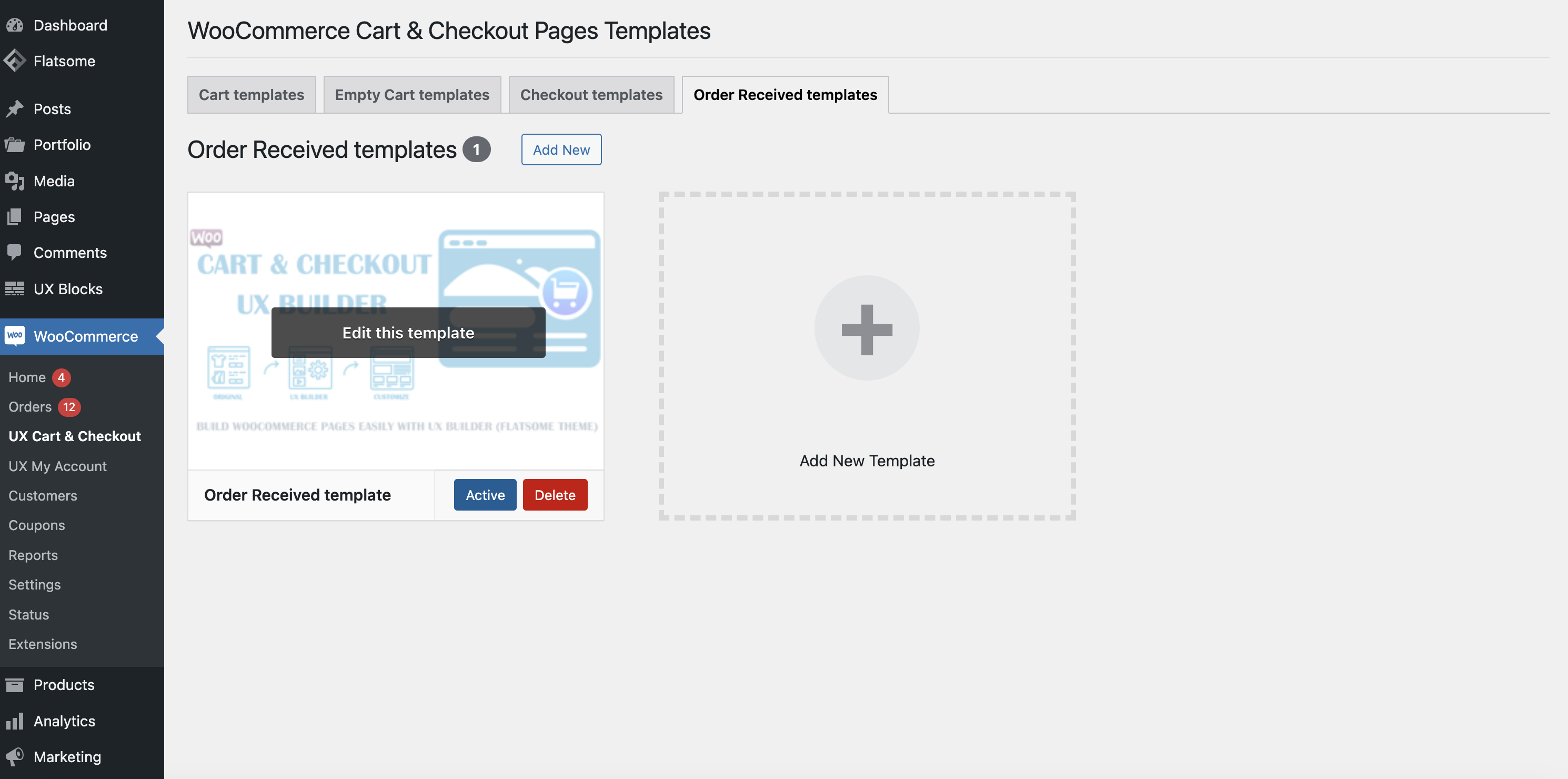
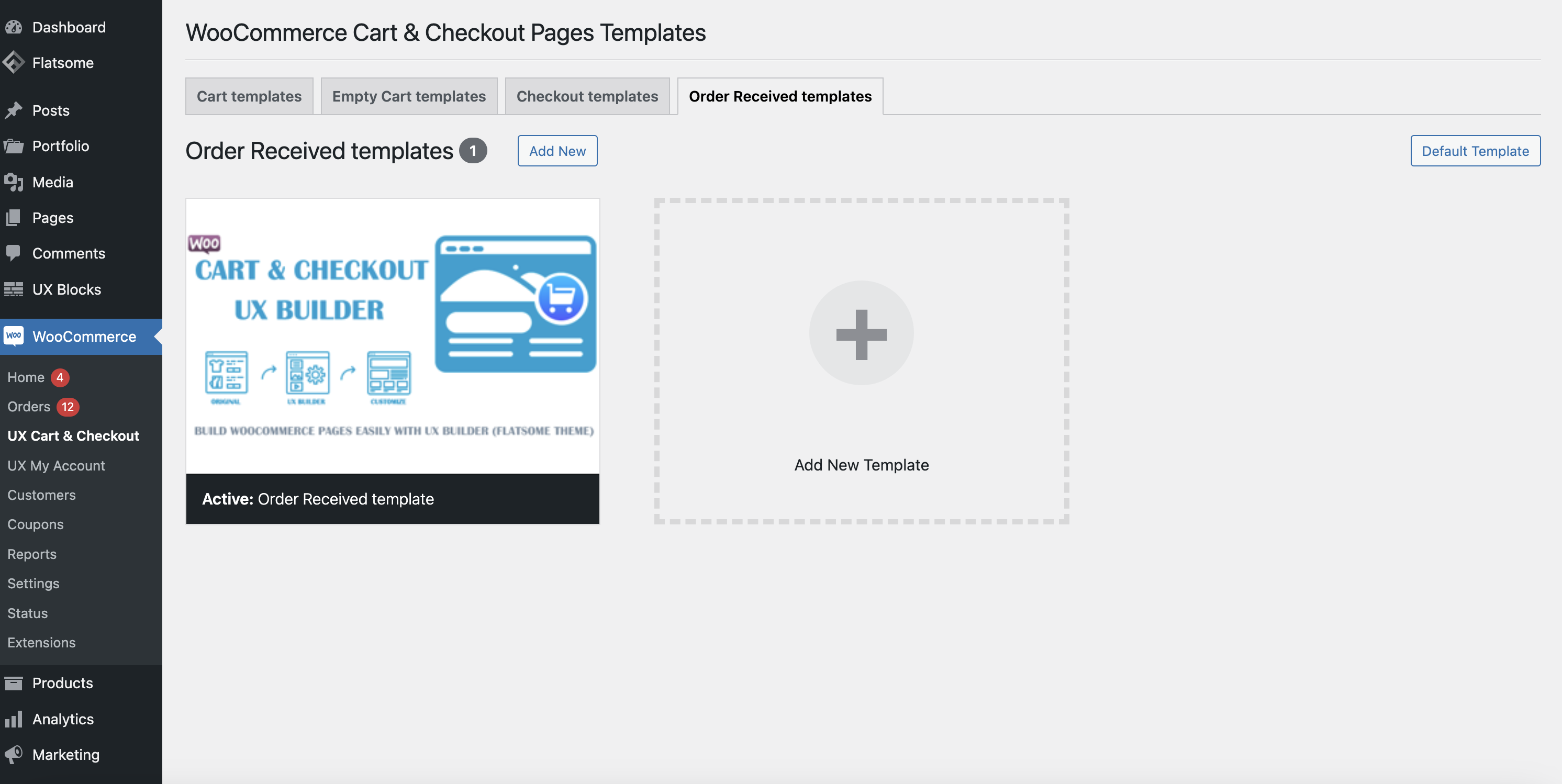
You can easily create custom templates for critical WooCommerce pages, such as the Cart, Checkout, and Order Received pages, all tailored to fit your unique design and branding. With these custom templates, you have full control over the layout, typography, colors, and overall style of each page, allowing you to enhance the shopping experience and align the design with your website’s aesthetic. Customizing these pages helps streamline the user journey, improve conversion rates, and ensure consistency across all customer touchpoints. Once created, all your custom templates will be centrally displayed here.
Activate the template for WooCommerce pages
Activate the template for WooCommerce pages
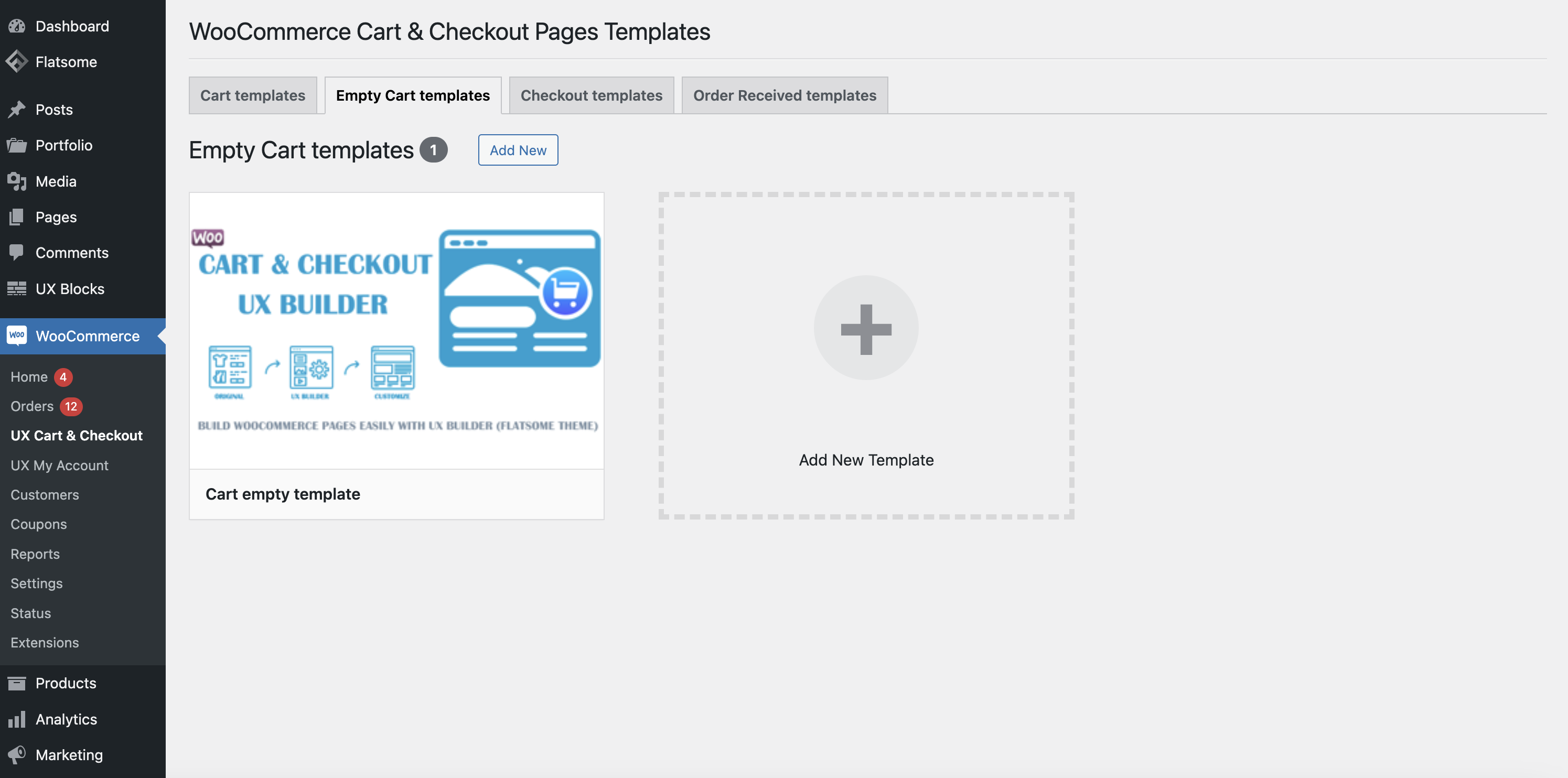
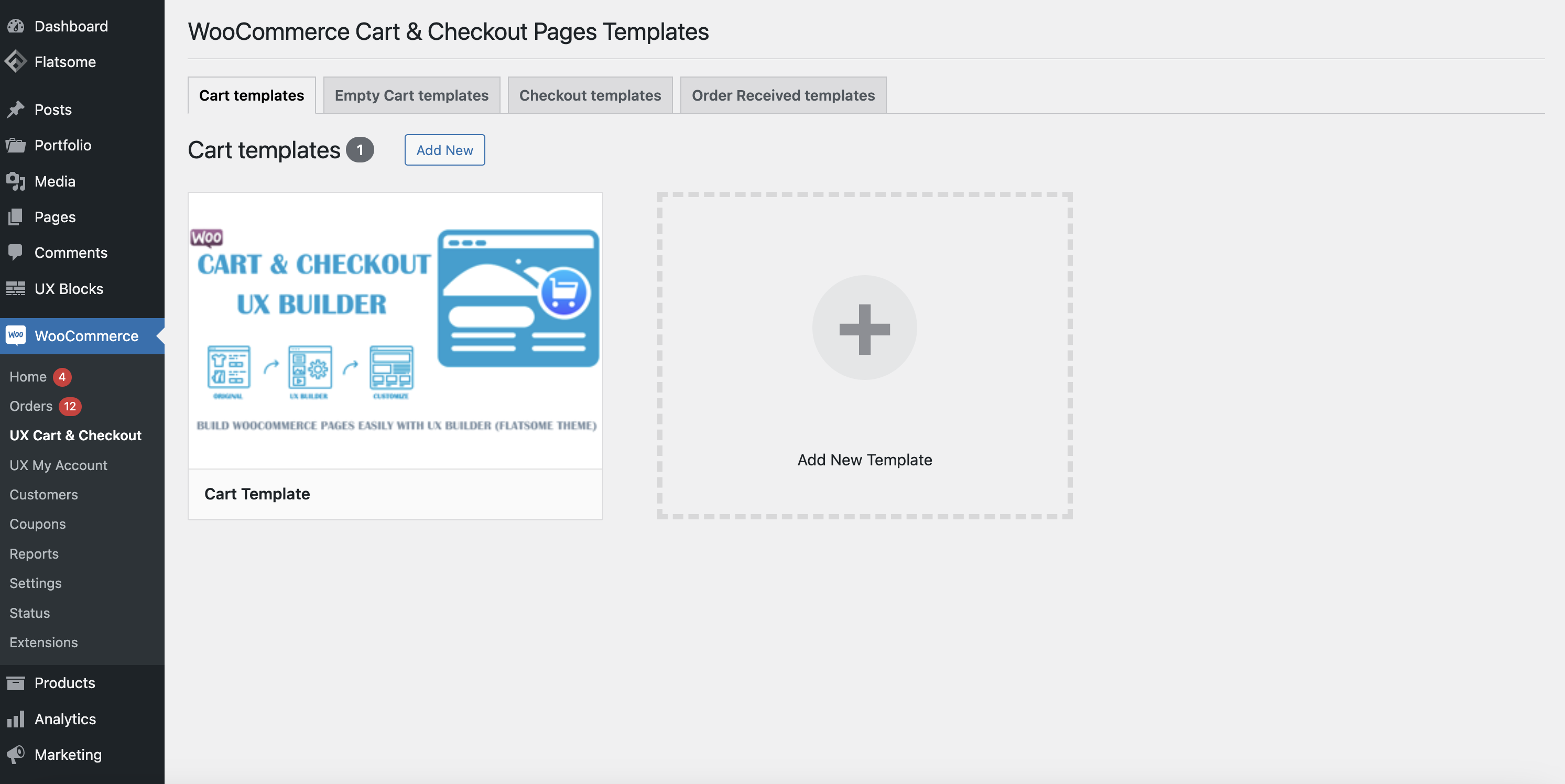
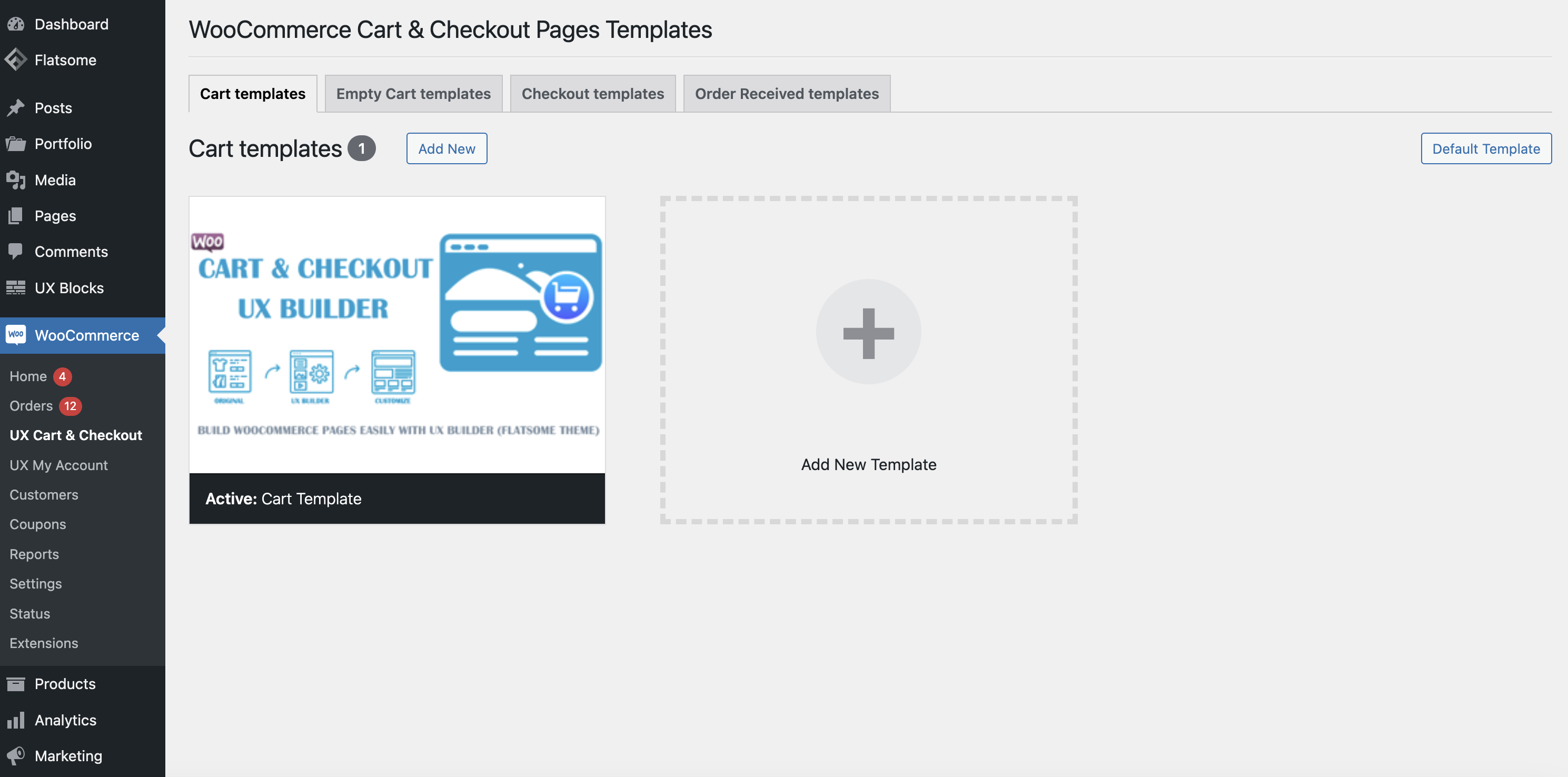
Activate a template for the WooCommerce Cart page
Activate a template for the WooCommerce Cart page
To apply a template to the WooCommerce Cart page, select a specific template and click the Activate button in the WooCommerce >> Cart & Checkout menu, at the Cart Templates tab.
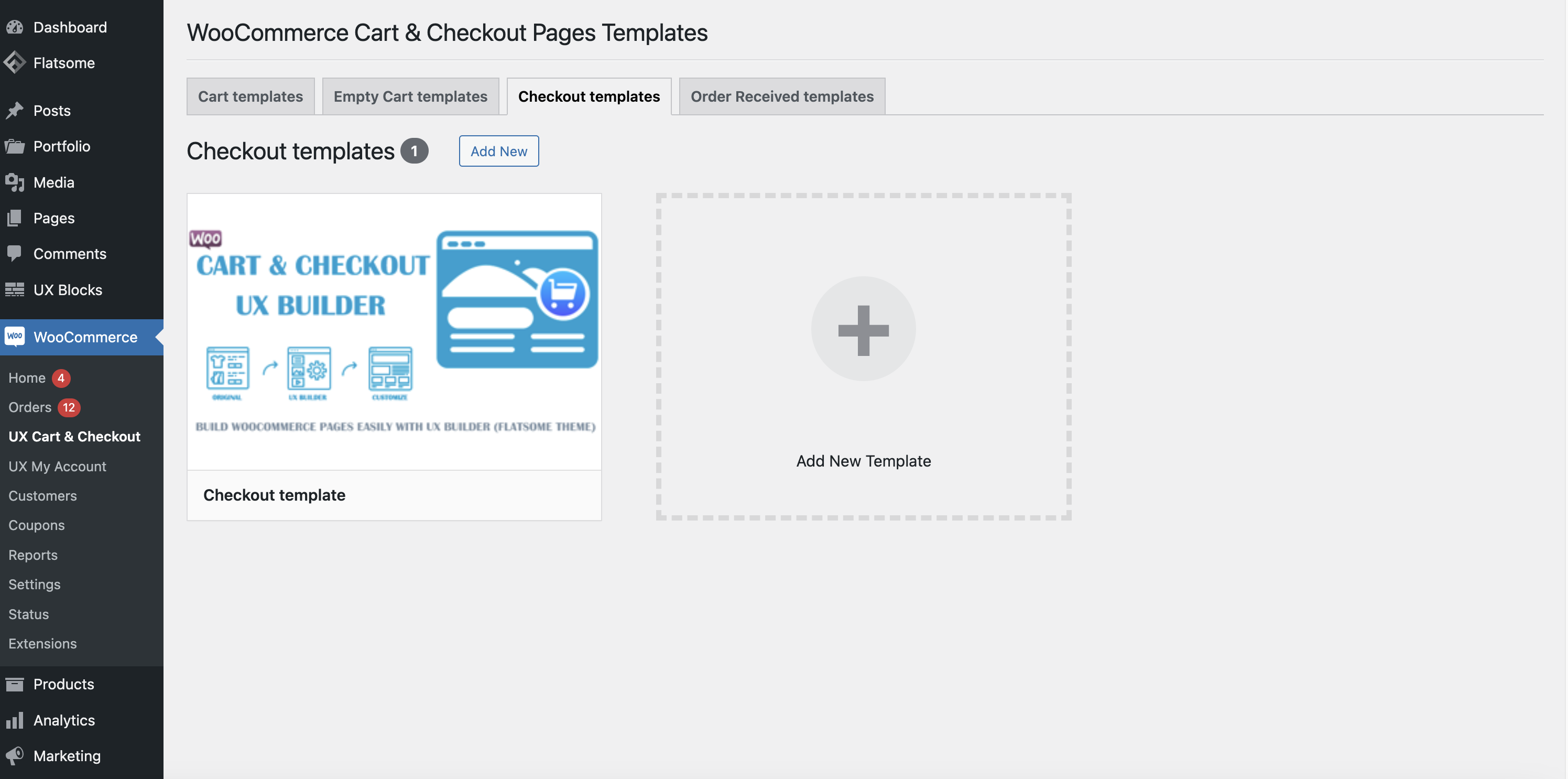
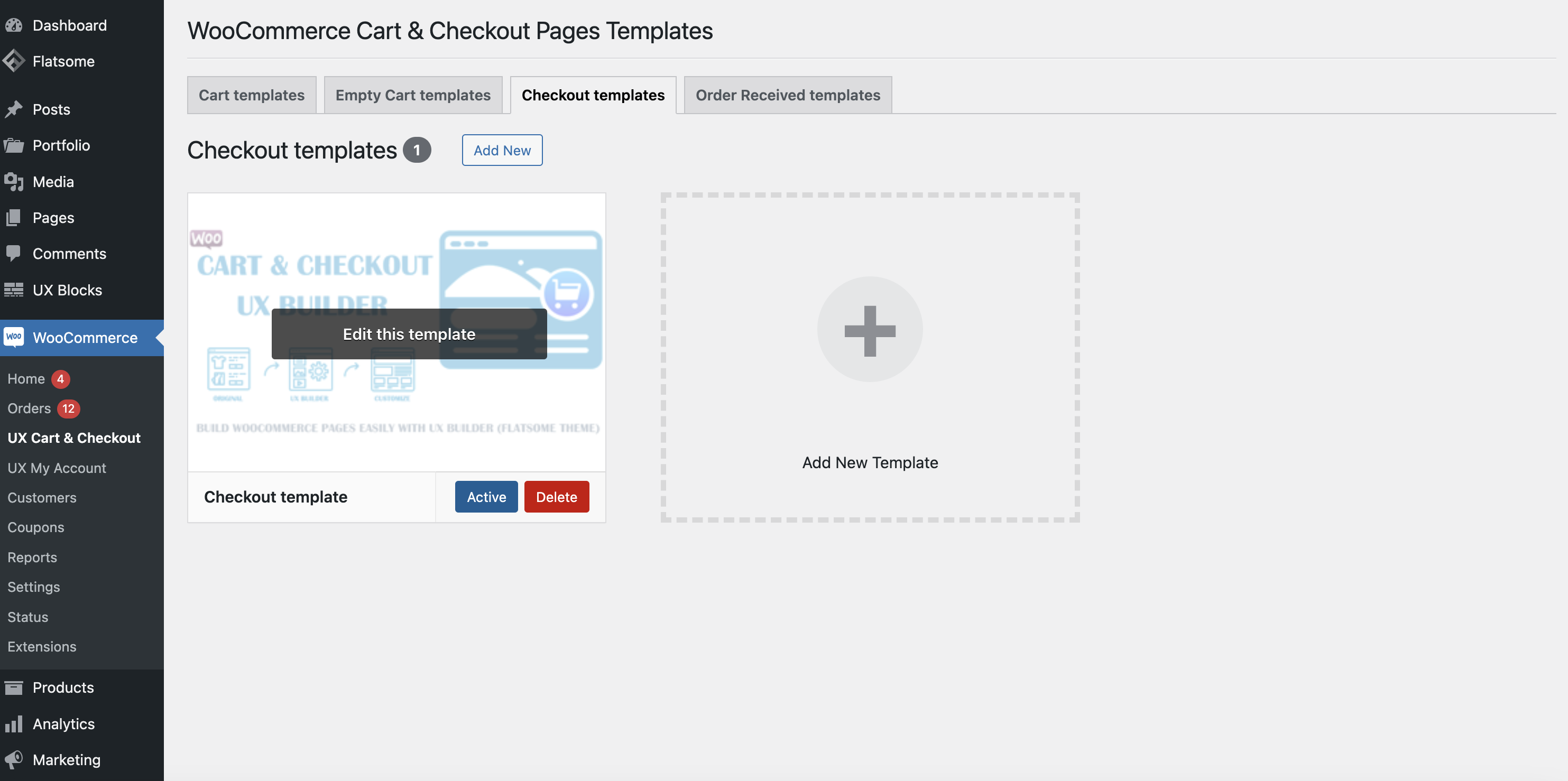
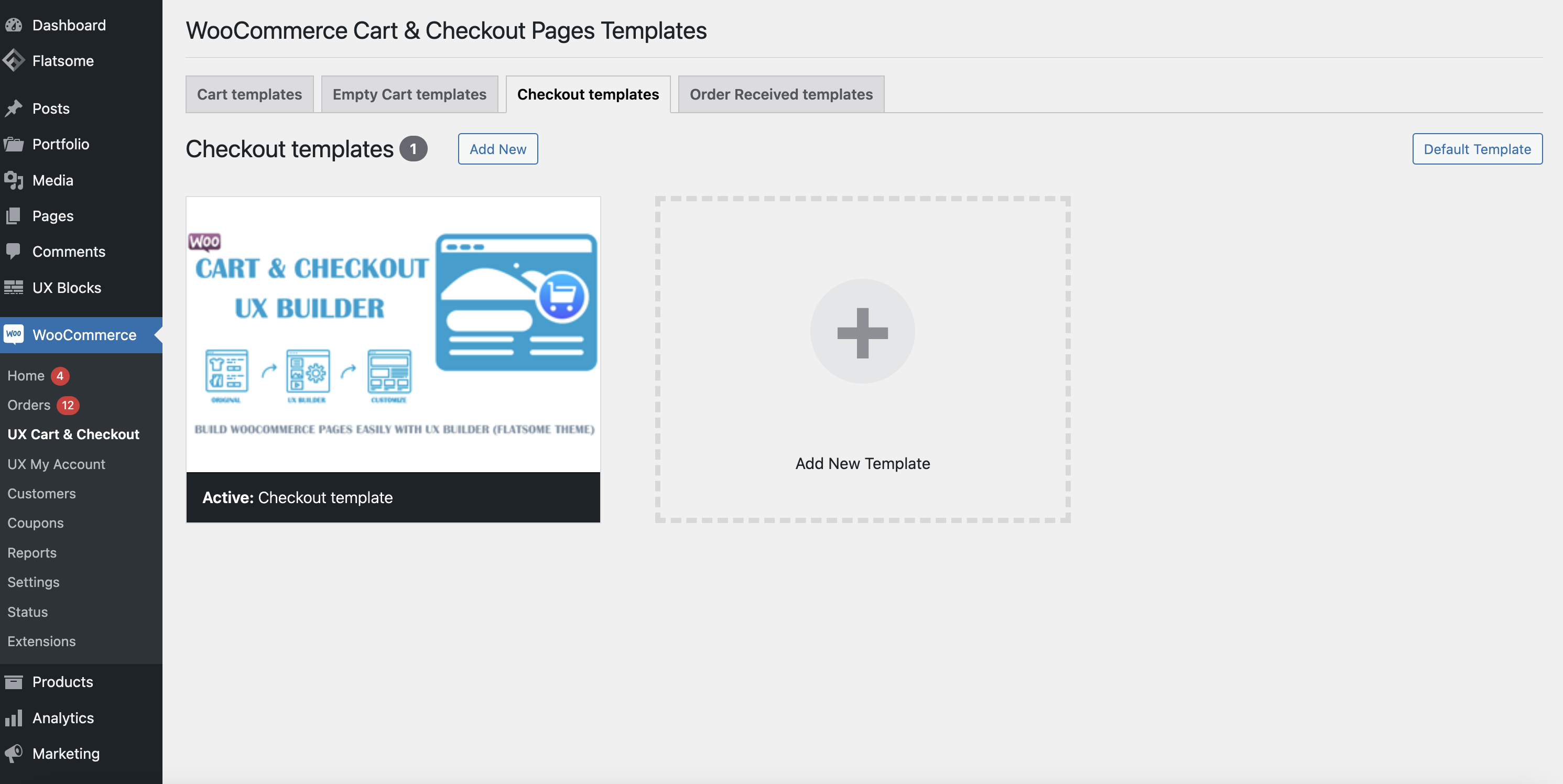
Activate a template for the WooCommerce Checkout page
Activate a template for the WooCommerce Checkout page
To apply a template to the WooCommerce Checkout page, select a specific template and click the Activate button in the WooCommerce >> Cart & Checkout menu, at the Checkout Templates tab.
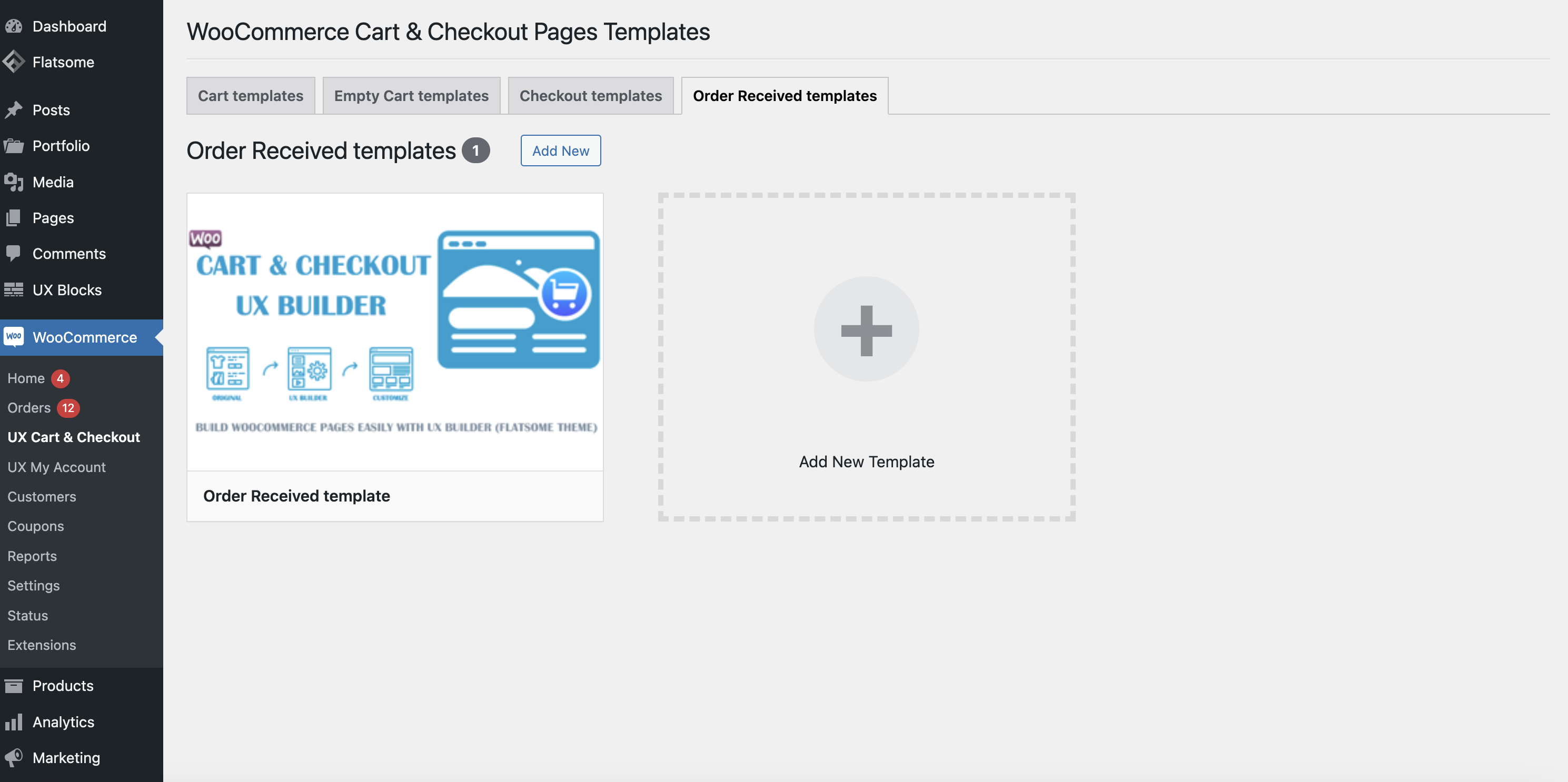
Activate a template for the WooCommerce Order Received page
Activate a template for the WooCommerce Order Received page
To apply a template to the WooCommerce Order Received page, select a specific template and click the Activate button in the WooCommerce >> Cart & Checkout menu, at the Order Received Templates tab.
Real-life results
Discover why our products are trusted by customers
Discover why our products are trusted by customers

Video demo WooCommerce Cart & Checkout pages for UX Builder plugin
Video demo WooCommerce Cart & Checkout pages for UX Builder plugin
frequently asked questions
Related Wordpress Plugins
Related Wordpress Plugins
Powerful Plugins to Improve Your Website’s Performance.
Powerful Plugins to Improve Your Website’s Performance.
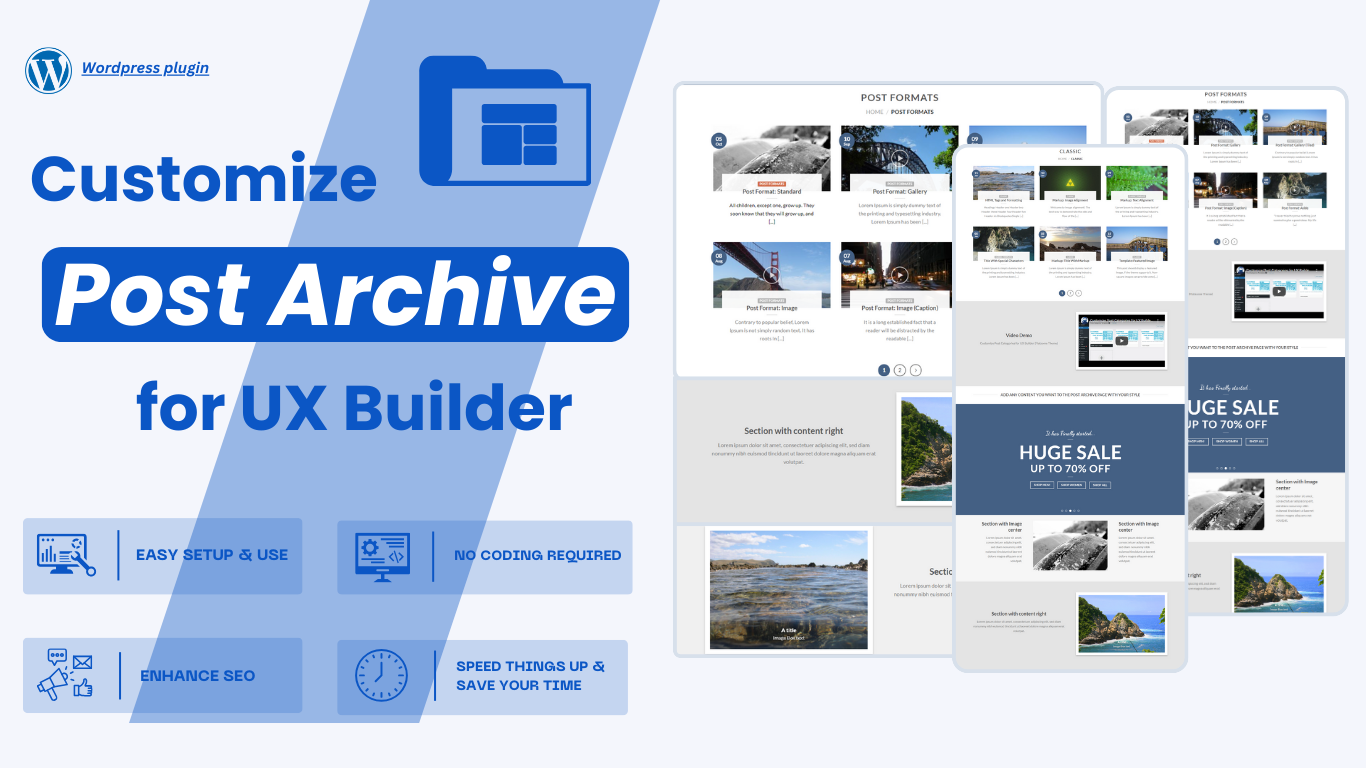
With this plugin, you can customize your post category page to your style by simply dragging and dropping the interface without code, with require must have UX Builder (Flatsome).
With this plugin, you can customize your post category page to your style by simply dragging and dropping the interface without code, with require must have UX Builder (Flatsome).
With this plugin, You can customize post layout (custom post types) to your style by simply dragging and dropping the interface without code, with require must have UX Builder (Flatsome theme).
With this plugin, You can customize post layout (custom post types) to your style by simply dragging and dropping the interface without code, with require must have UX Builder (Flatsome theme).
With this plugin, you can customize your single post page to your style by simply dragging and dropping the interface without code, with require must have UX Builder (Flatsome theme).
With this plugin, you can customize your single post page to your style by simply dragging and dropping the interface without code, with require must have UX Builder (Flatsome theme).
With this plugin, you can customize product archive pages to your style by simply dragging and dropping the interface without code with UX Builder (Flatsome theme).
With this plugin, you can customize product archive pages to your style by simply dragging and dropping the interface without code with UX Builder (Flatsome theme).
With this plugin, you can customize your WooCommerce My Account page to your style by simply dragging and dropping the interface without code, with require must have UX Builder (Flatsome theme).
With this plugin, you can customize your WooCommerce My Account page to your style by simply dragging and dropping the interface without code, with require must have UX Builder (Flatsome theme).